By Owen Blot · Founder, Maynox · Last updated June 17, 2026
- The 8-Hour Math: What Hunching Actually Costs Your Body
- Why "Just Sit Up Straight" Never Sticks Past Lunch
- The ROI-Ordered Fix Stack (Today / This Week / This Month)
- The Compression Base Layer: The Underrated Desk-Hunch Lever
- The Desk-Hunch Reverse Protocol (Days 1-28)
- What Doesn't Work (And Why You Keep Trying It)
- Frequently Asked Questions
You closed your laptop at 6:47 PM. Your shoulders are rolled forward. Your neck juts ahead of your sternum. The dull ache between your shoulder blades is back, same as yesterday. You catch your reflection in the dark monitor and you don't look like a man in his prime — you look like a man folded into a screen.
You're 47. You've been a desk worker for 22 years. You've heard "sit up straight" a thousand times. It never sticks. By 11 AM you're hunched again. By 4 PM your upper back feels concrete.
The good news: at 45+, you can reverse a desk hunch faster than you think. The bad news: it requires unlearning four things you've been told.
This is the honest playbook.
The 8-Hour Math: What Hunching Actually Costs Your Body
Your head weighs 10 to 12 pounds in neutral position, according to Cleveland Clinic. Tilt it forward 15 degrees toward a screen and the cumulative load on your cervical spine jumps to roughly 27 pounds. At 30 degrees forward (the typical laptop angle) you're hauling about 40 pounds. At 60 degrees — chin nearly to chest — your neck supports the equivalent of 60 pounds.
Now multiply that by 8 hours. Five days a week. Forty-eight weeks a year.
That's not a posture problem. That's a structural overload problem.
After 45, three things compound it:
- Sarcopenia. Muscle mass declines roughly 3-8% per decade after age 30, per NIH research. The deep cervical flexors and mid-back stabilizers that hold your head up shrink unless you actively work them.
- Connective tissue stiffens. Fascia and joint capsules lose elasticity. Range of motion narrows. Reaching back for posture takes more effort than it did at 28.
- Hip flexor shortening. Twenty-plus years of sitting tilts your pelvis backward, which collapses your lower spine, which forces your upper spine into a rounded hump. The hunch starts at your hips, not your shoulders.
The hunch is not a habit. It's a structural cascade. And the longer the screen has been in your life, the longer the cascade has been compounding.
Why "Just Sit Up Straight" Never Sticks Past Lunch
You don't have a discipline problem. You have a behavior-design problem.
Conscious posture correction is a willpower task. Willpower is finite. By 11 AM yours is burned through on email, decisions, and the angle of one nasty Slack thread. The neural pathway your spine defaults to is the one it's reinforced for 22 years — slouched.
You can't out-discipline a structural pattern. You have to make the upright position the path of least resistance.
That's what the fix stack below does. Each lever removes a reason to hunch, rather than adding a reminder to sit straight.
The ROI-Ordered Fix Stack (Today / This Week / This Month)
Five levers, sequenced by speed-to-result. Do them in this order. Don't skip ahead — the foundation matters.
Lever 1 (Today, 5 minutes): Raise Your Monitor
The single biggest cause of desk hunch is a screen below eye level. Your brain pulls your head down to read. Your head pulls your neck. Your neck pulls your upper back.
Fix:
- Place the top of your monitor roughly at your eye line when seated upright. Not the center — the top.
- If you use a laptop, you need a separate keyboard and mouse, plus a laptop stand. Non-negotiable.
- Monitor distance: 20-30 inches from your eyes. About one arm's length.
This costs $20-40 and 5 minutes. It pays back instantly. Most men feel the difference by lunch.
Lever 2 (Today, 5 minutes): The Chair-Pelvis Reset
Posture starts at the pelvis, not the shoulders.
Fix:
- Sit with hips slightly higher than knees. Raise the chair until your thighs angle gently downward.
- Feet flat on the floor or on a footrest.
- A small lumbar support (rolled towel works) preserves your lower spine's natural curve.
- The seat pan should leave 2-3 fingers of space behind your knees.
When your pelvis is neutral, your spine stacks upright automatically. When your pelvis is tucked under (the universal "slumped" sitting), your upper back has no choice but to round.
Lever 3 (This Week): Anchor Habits, Not Reminders
A posture app pinging you every 30 minutes will get muted by Thursday. Anchored habits don't.
Pick one trigger you already do dozens of times daily and pair it with a 10-second posture cue. Examples:
- Every time you grab your coffee mug → roll shoulders back once, set the mug down.
- Every time you start a new Slack thread → take one slow breath, lift your chest one inch.
- Every time you hit "send" on an email → press your shoulder blades down and back for 5 seconds.
You're not adding a new task. You're piggybacking on an existing one. After 10-14 days the cue runs without thought.
Lever 4 (Week 2): The Base Layer Proprioception Cue
This is the lever everyone misses.
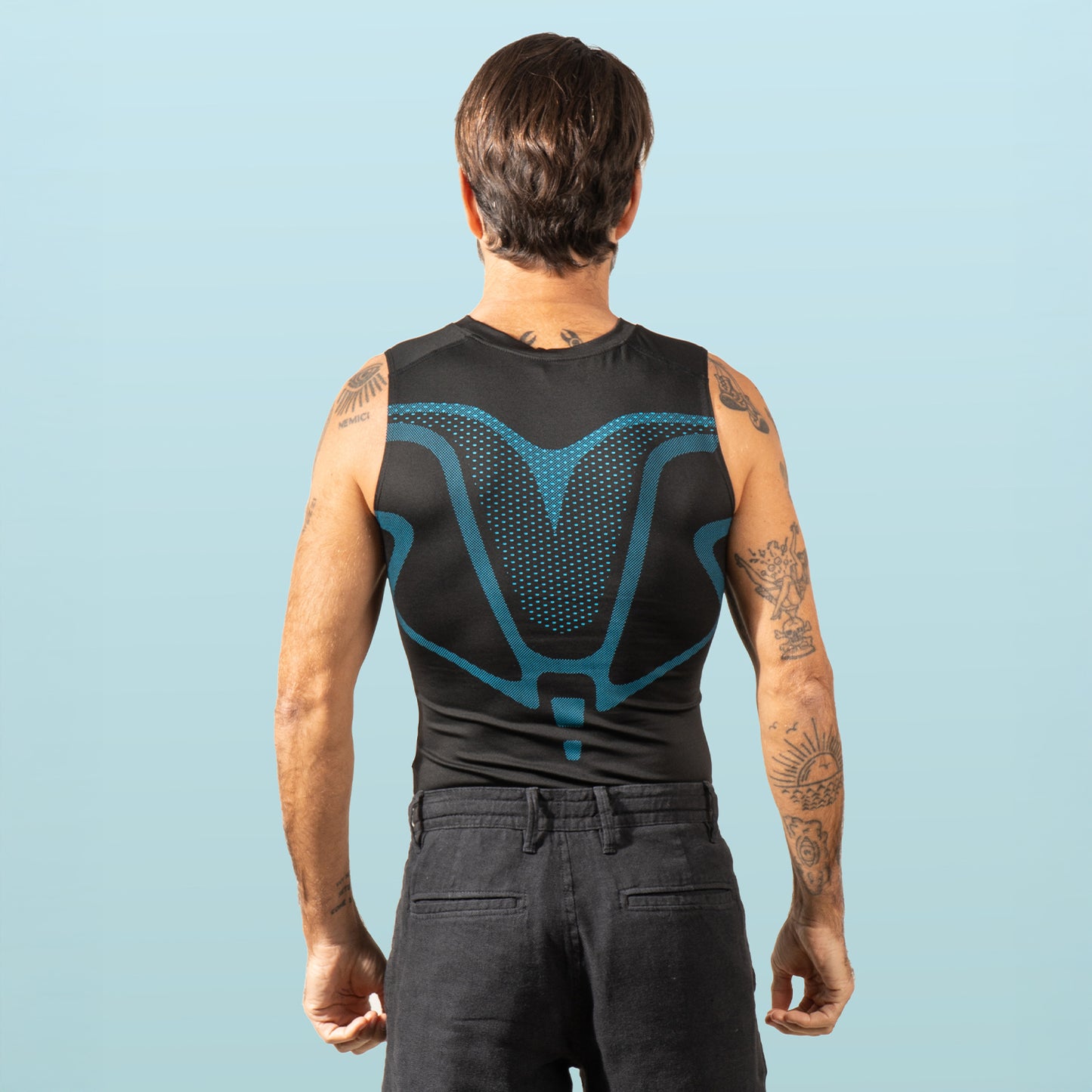
Compression base-layer apparel provides proprioceptive feedback — your skin and shallow muscles feel the gentle pressure and your nervous system uses it as a constant low-level cue to hold position. The 2022 Sports Medicine review by Brown et al. found compression garments measurably improve proprioceptive awareness during sustained postural tasks.
In practice: when your shoulders try to roll forward, the panel pressure across your back and shoulders gives you immediate, silent biofeedback. You correct without thinking. No app. No alarm. No willpower.

This is the lever that bridges Week 1 ergonomics to Week 4 muscular adaptation — and the one a compression base layer like VitaBoost was designed for.
Lever 5 (Month 1): The 8-Minute Daily Reset Routine
Once ergonomics and cueing are in place, you need muscle adaptation. Eight minutes a day. Same routine. Every weekday.
- Wall angels — 60 seconds. Back flat against wall, arms in "field goal" position, slide arms up and down.
- Thoracic extension over a foam roller — 90 seconds. Roller across mid-back, hands behind head, gentle extension.
- Doorway pec stretch — 45 seconds each side. Forearm on door frame, step through.
- Band pull-aparts — 60 seconds. Light resistance band, pull apart across chest, shoulder blades squeeze.
- Glute bridge hold — 60 seconds. On floor, hips up, hold steady.
- Chin tucks — 30 seconds. Press head straight back, no tilting.
- Cat-cow — 60 seconds. Slow, controlled.
- Dead-hang from a bar — 30 seconds. Decompresses the spine.
Harvard Health notes most posture rehabilitation programs show measurable improvement at 8-12 weeks. You don't need a gym. You need the eight minutes.
The Compression Base Layer: The Underrated Desk-Hunch Lever
Most men try a posture corrector first. The harness leaves marks, restricts breathing, looks like a medical device under a button-down, and trains zero new muscle when worn passively. Wear it 8 hours and you'll just remove it.
A compression base layer worn under your shirt for the workday does what the corrector can't:
- It's invisible under a dress shirt or polo. Office-appropriate.
- It applies steady, low-force pressure across the shoulders and upper back rather than a single localized strap.
- It pulls your scapula gently into retraction throughout the workday, so the upright position becomes the default.
- It works with your muscles instead of replacing them. No atrophy risk.
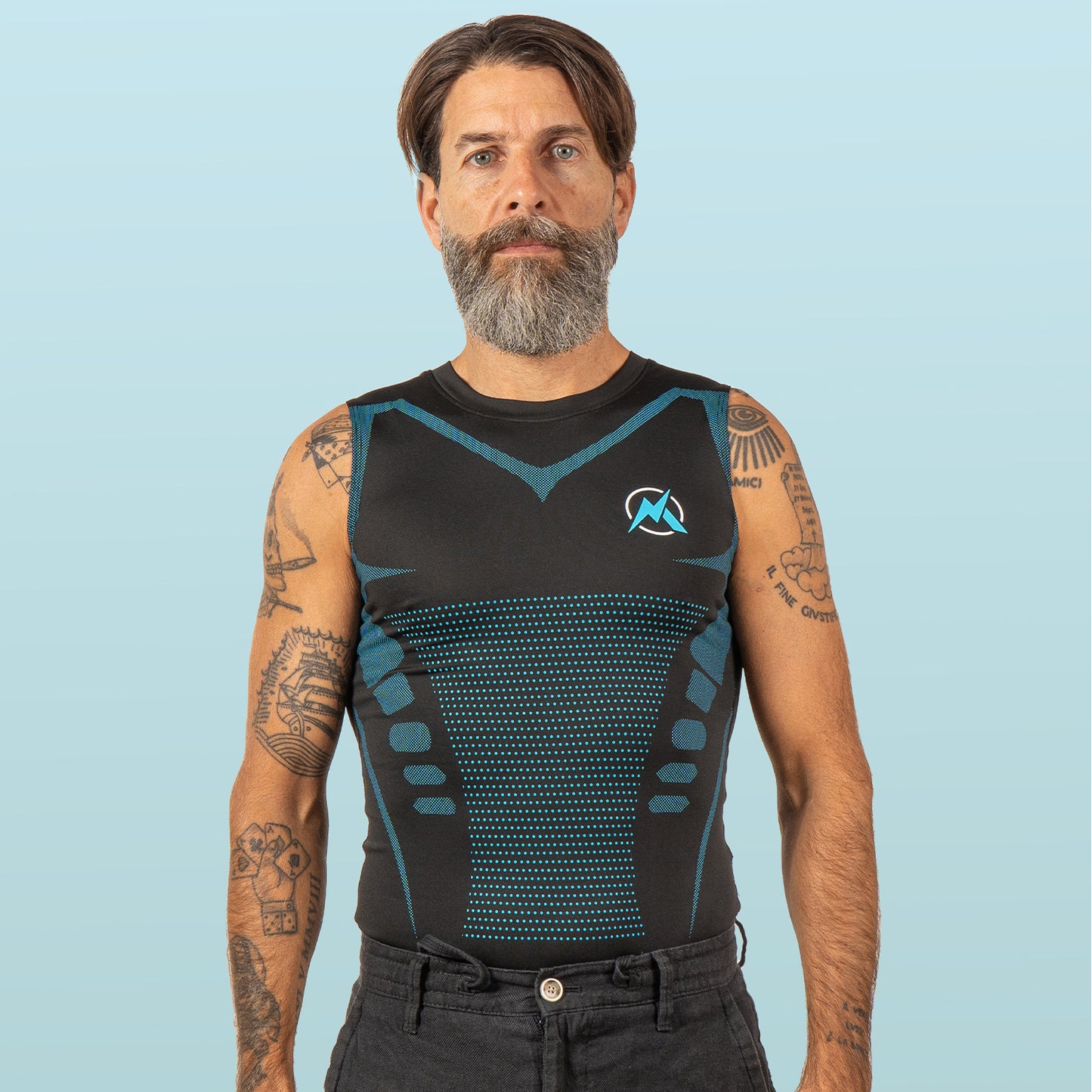
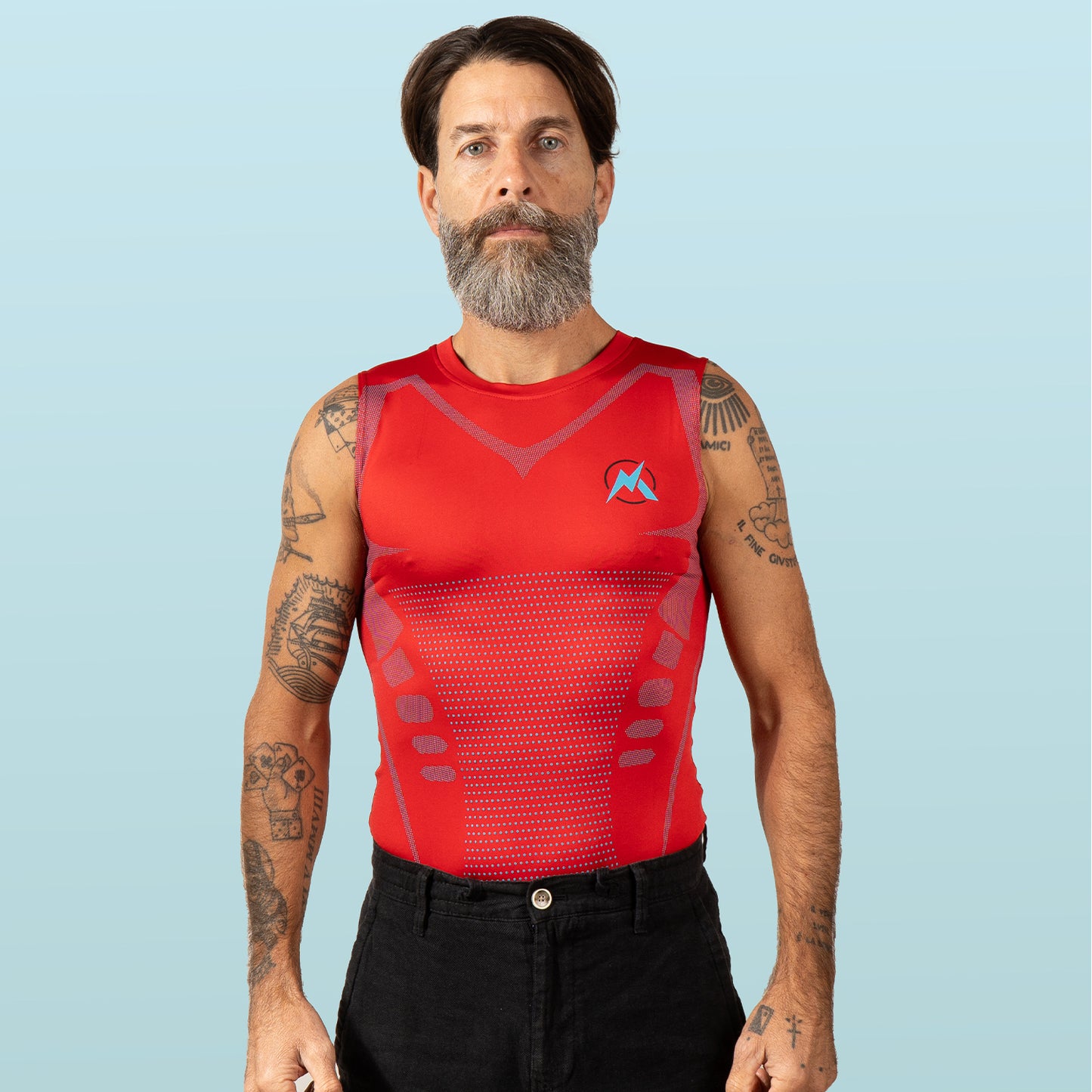
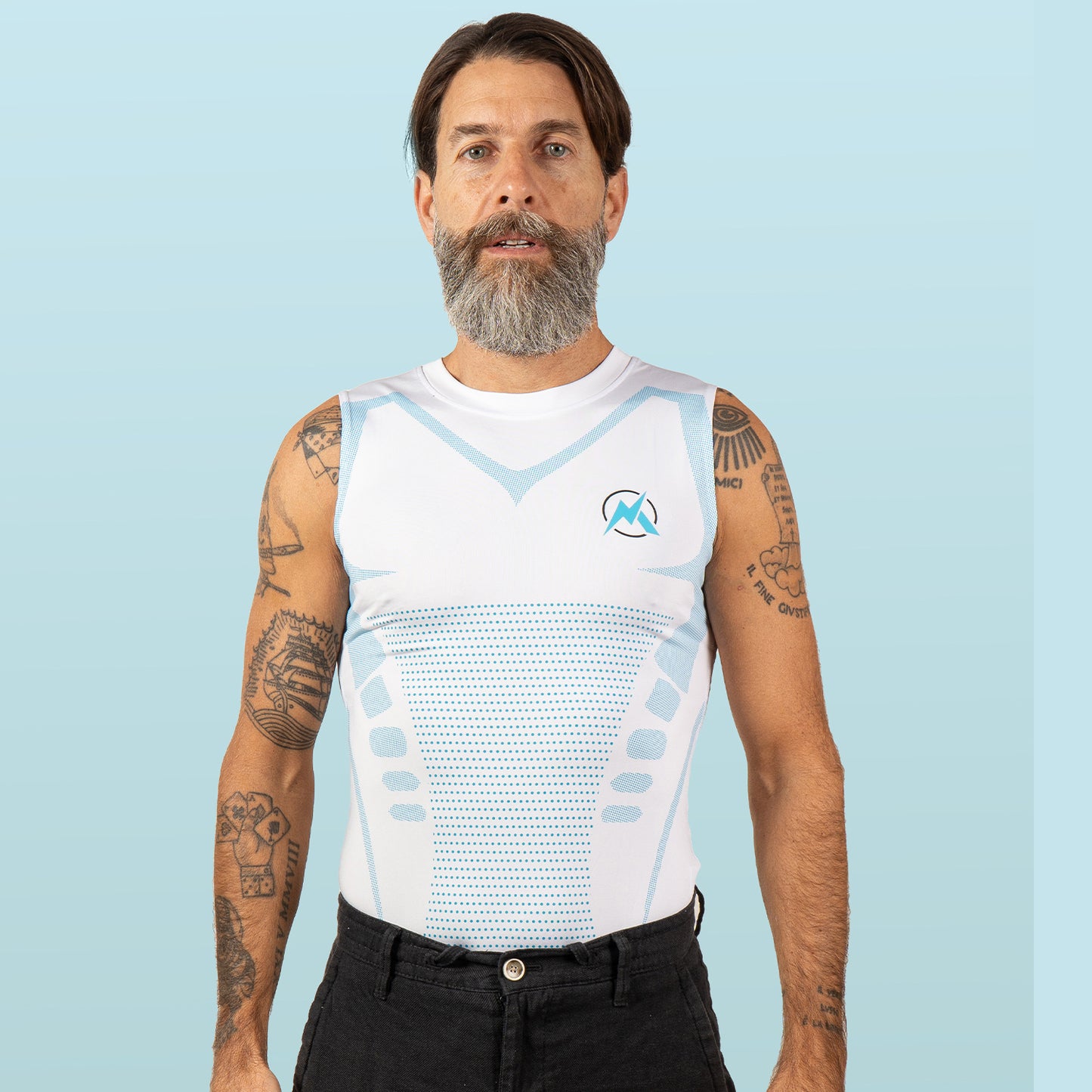
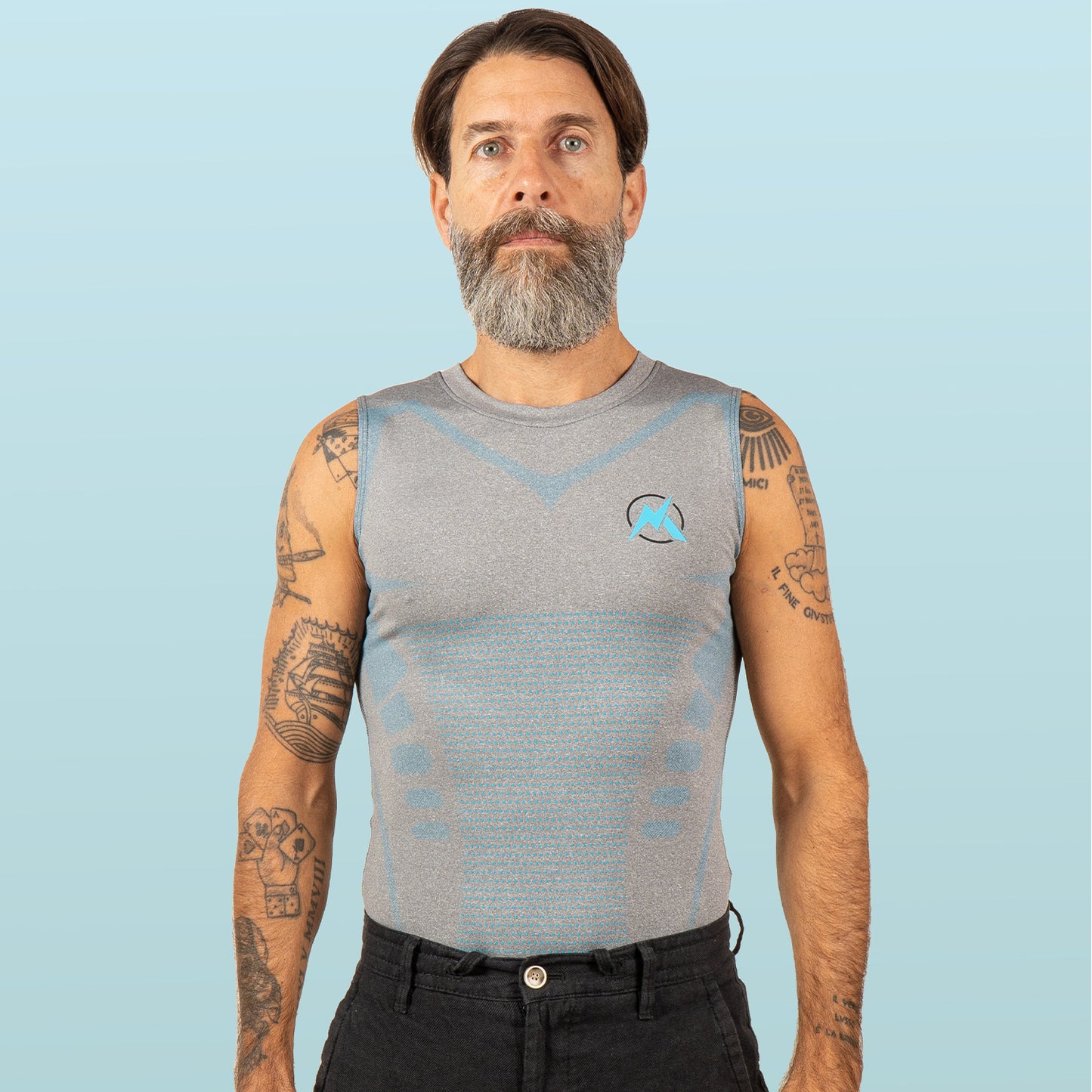
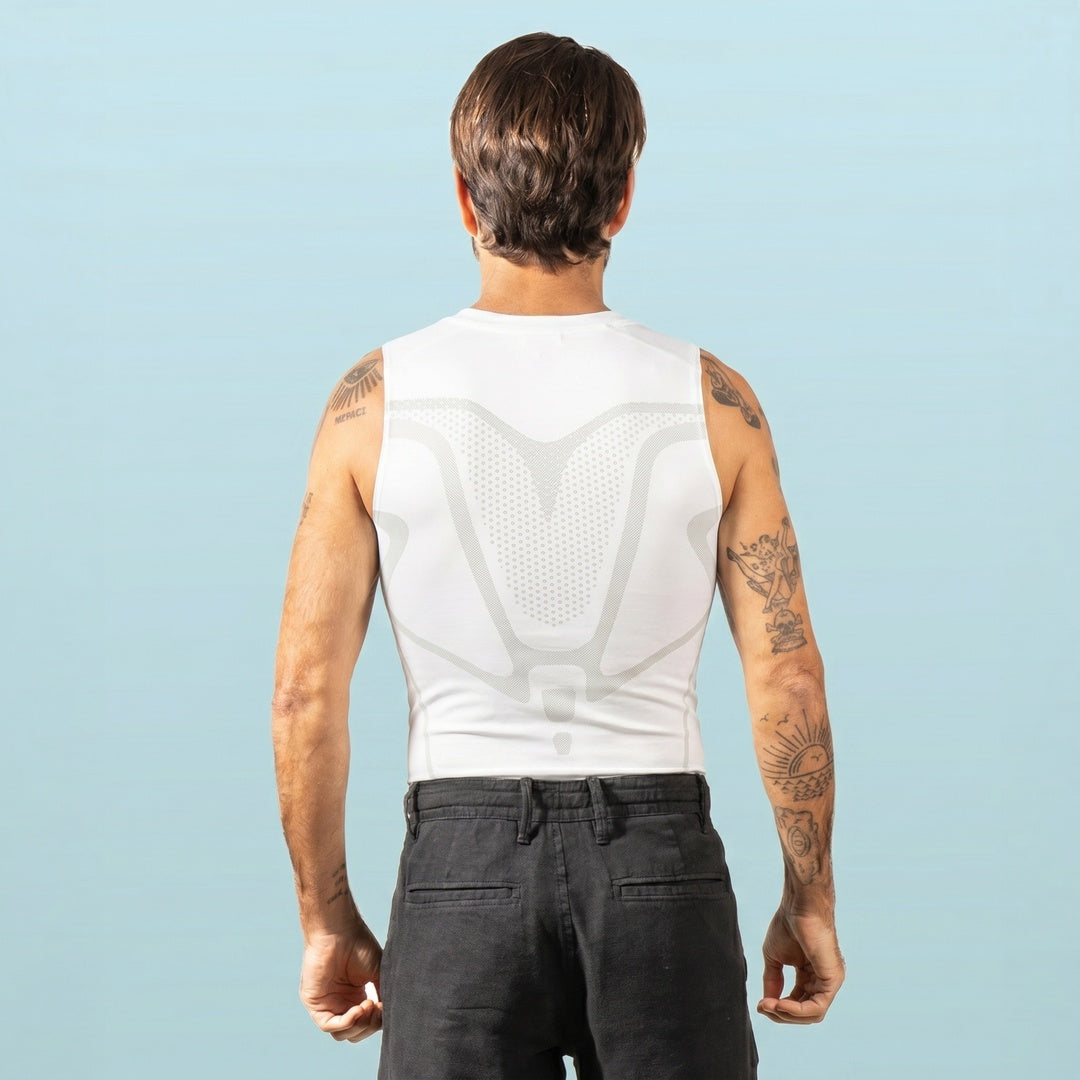
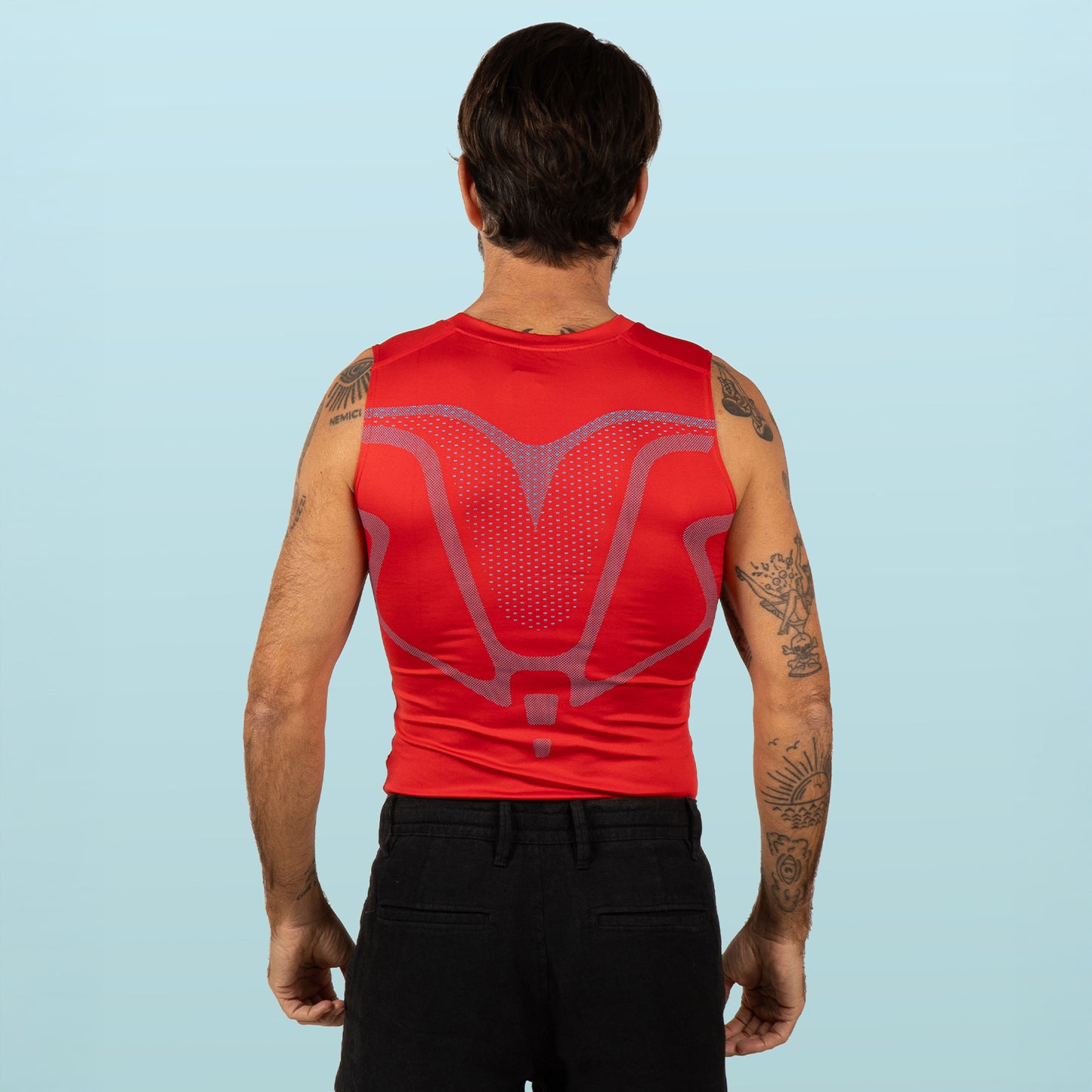
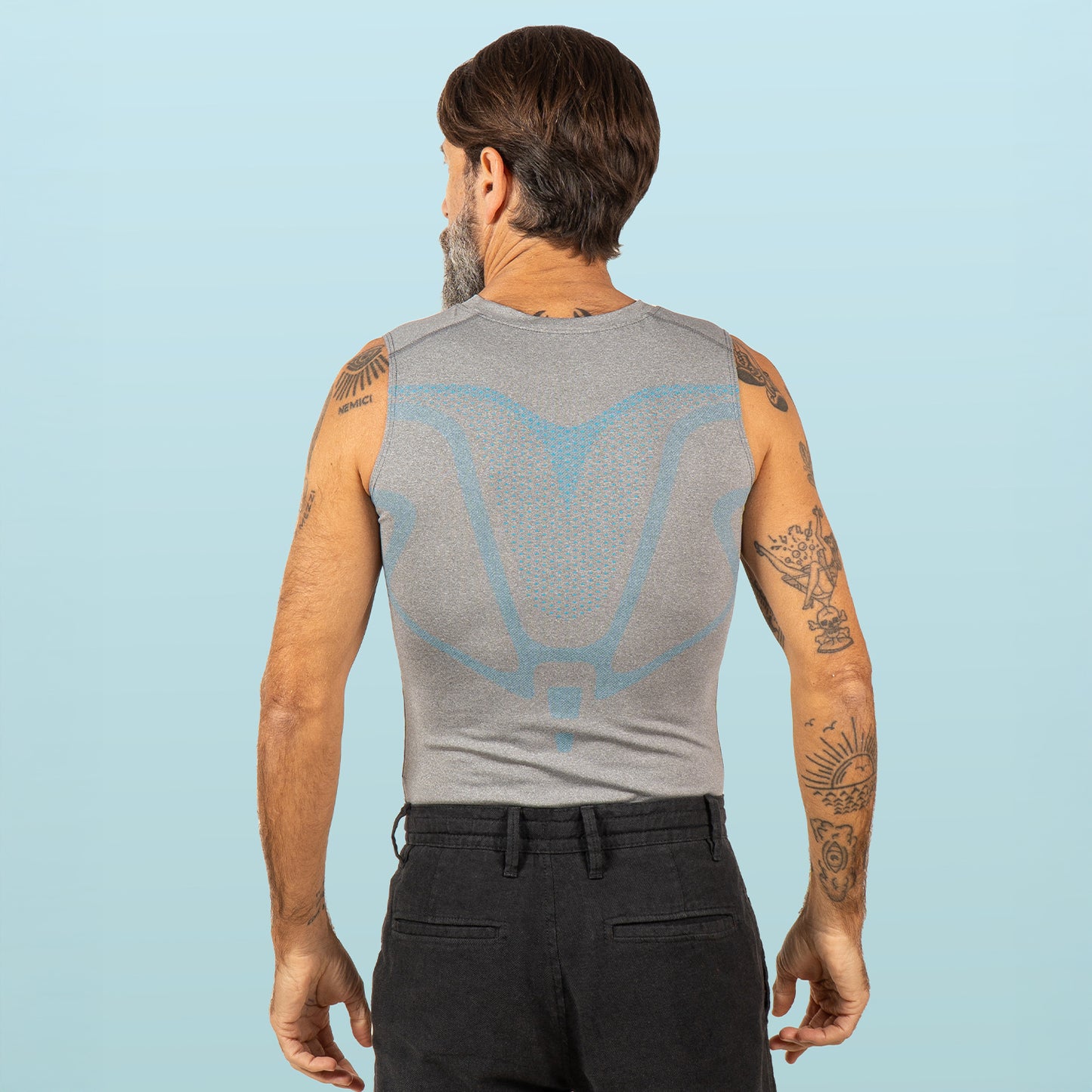
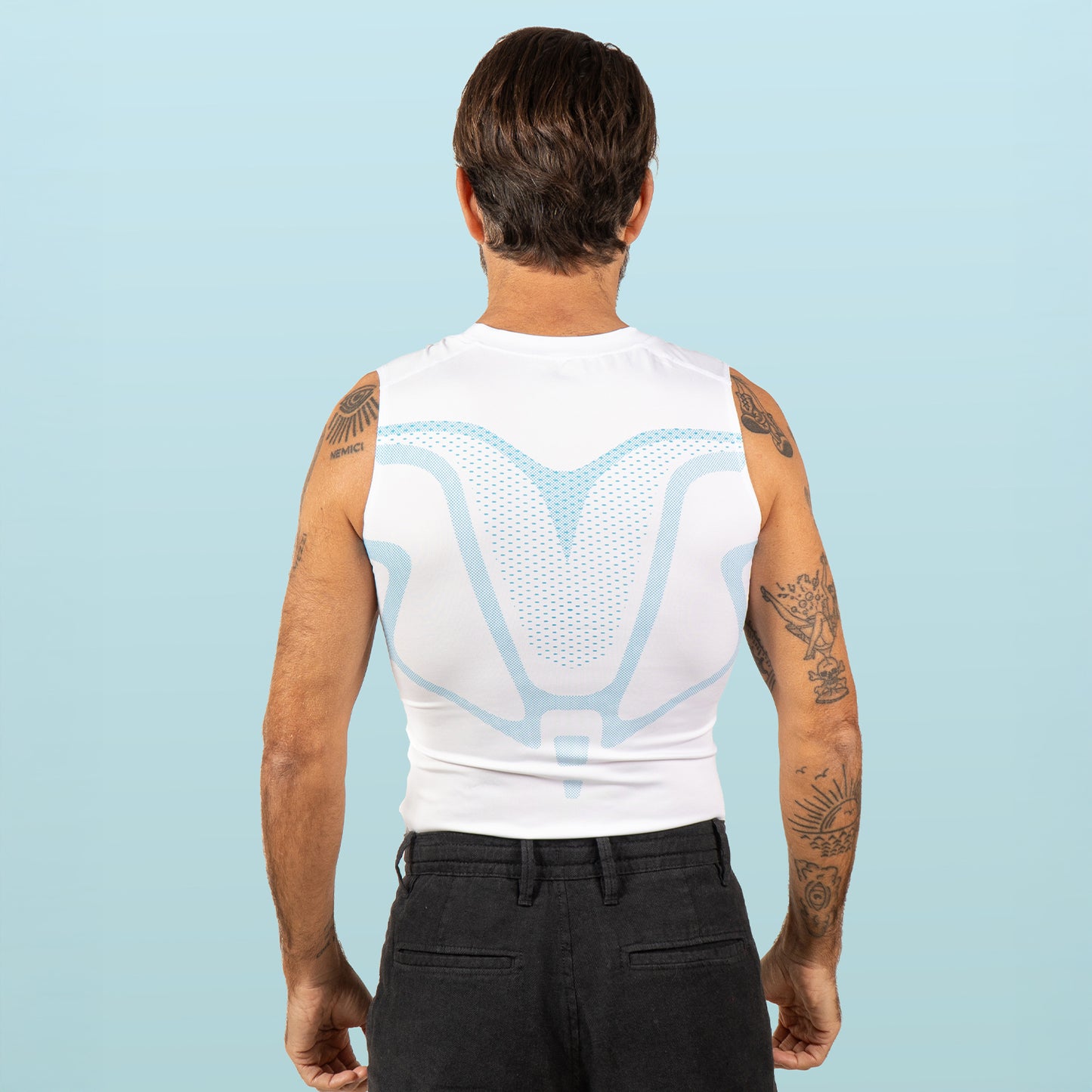
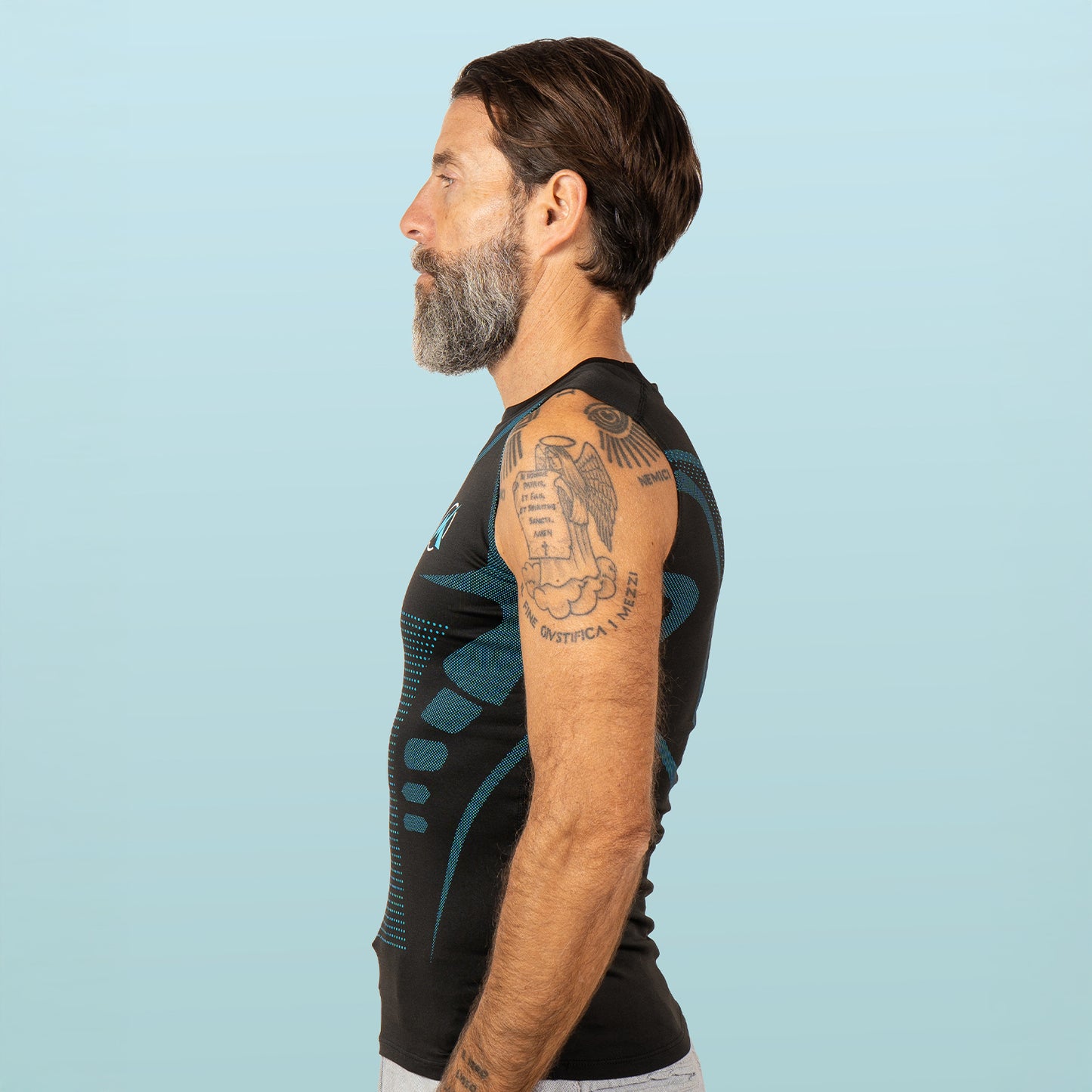
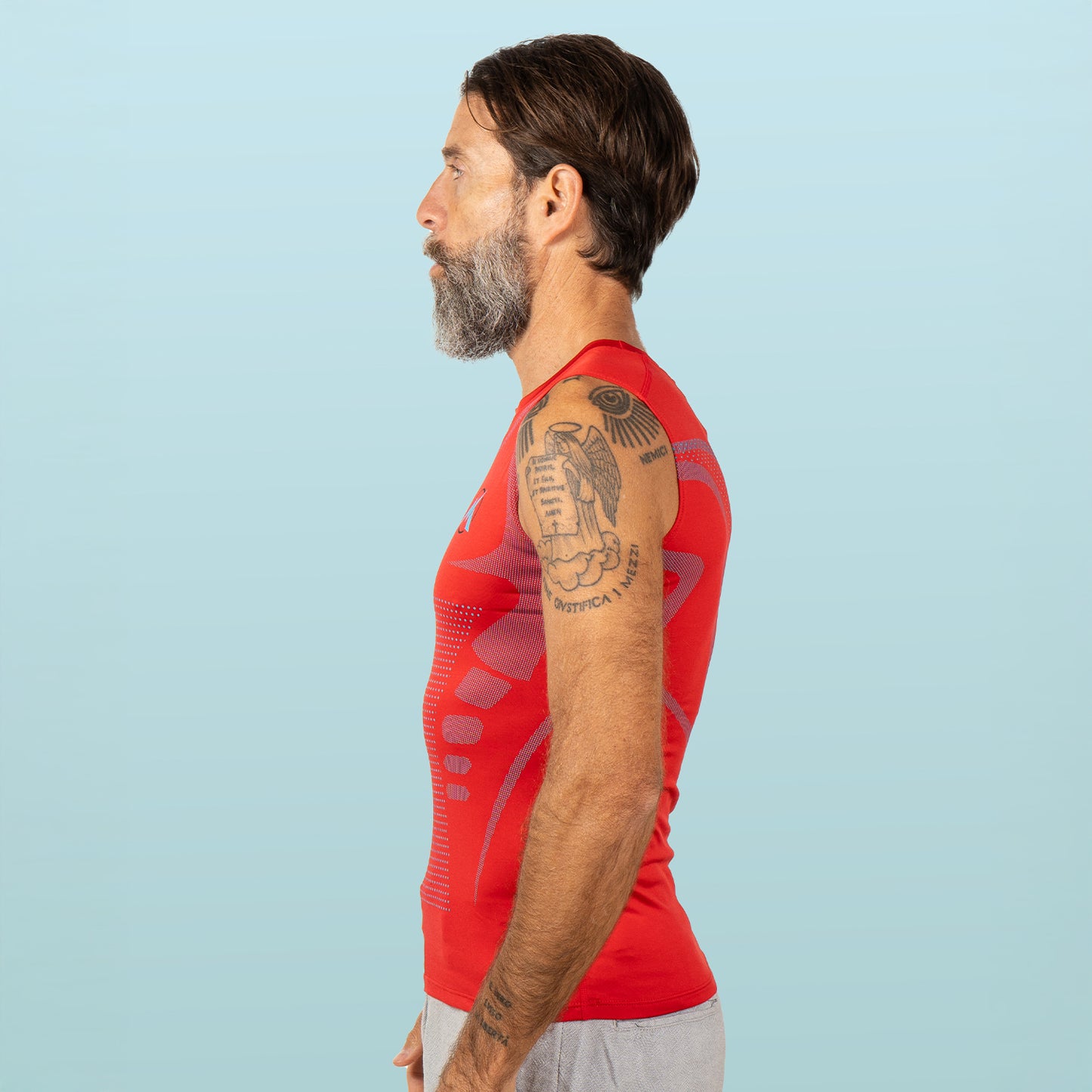
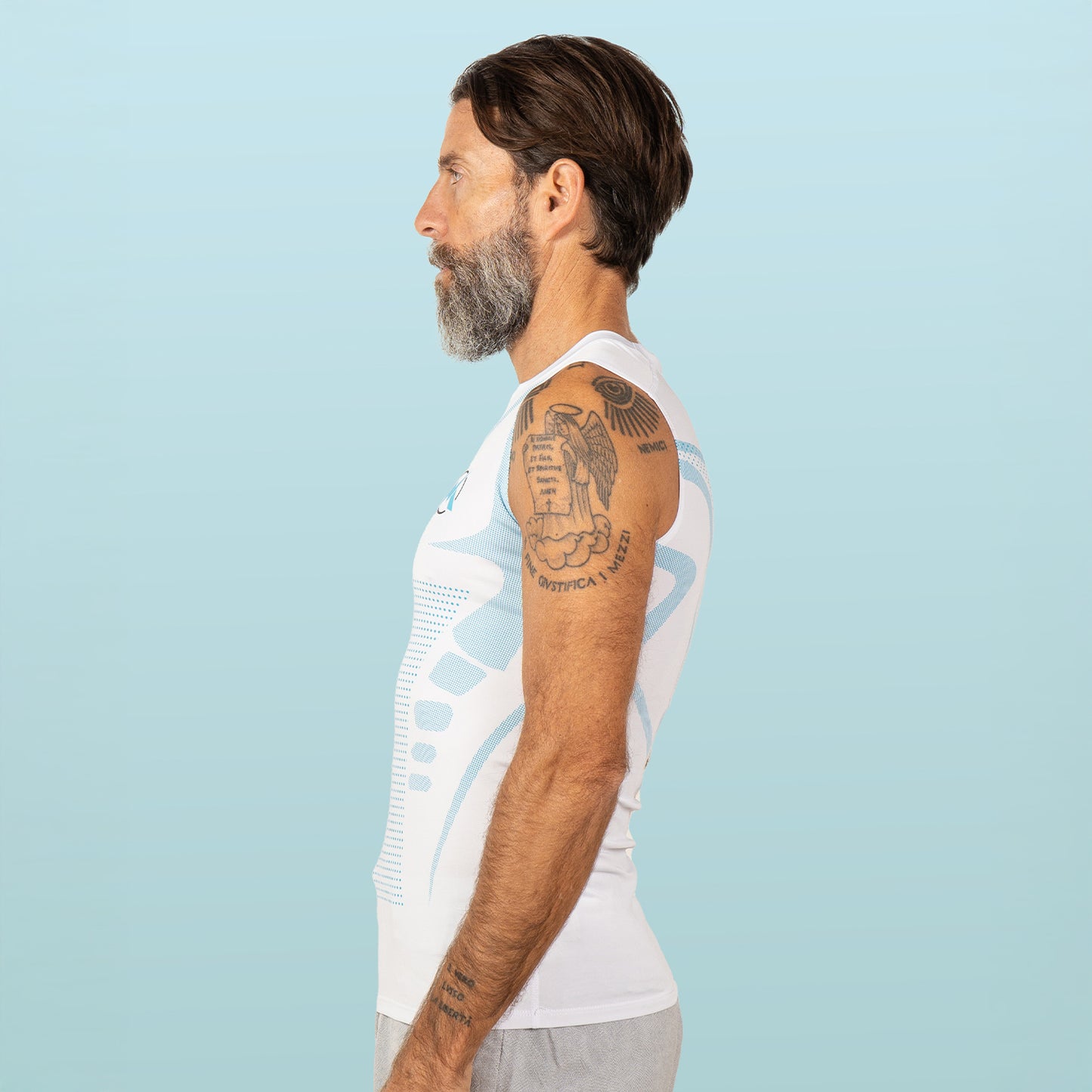
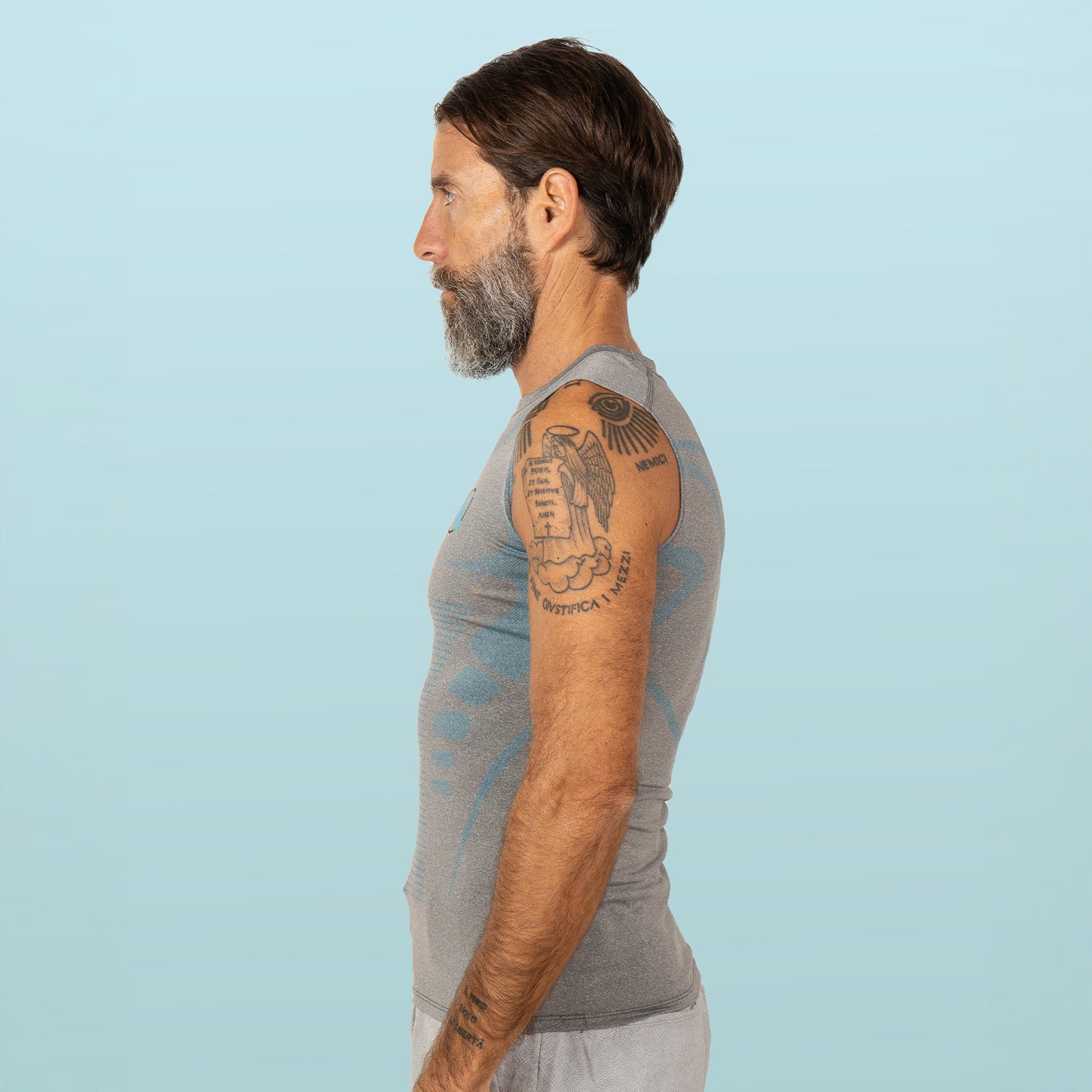
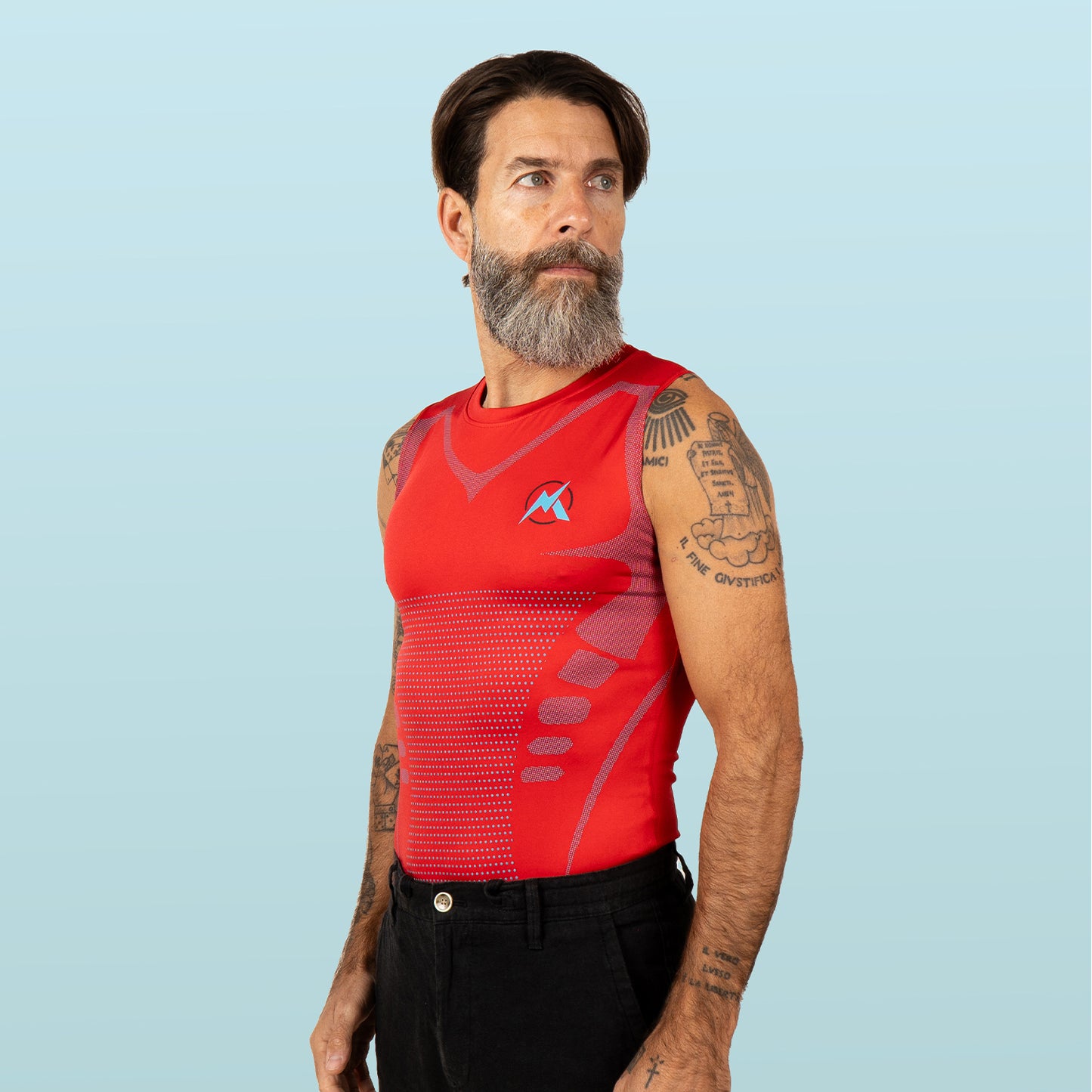
That's why we built VitaBoost — black sleeveless compression tank, built-in posture panels at the shoulders and upper back, designed to be worn under a normal shirt for an 8-hour workday. Currently Buy 1 Get 1 Free ($59.99 → $15) so you can rotate two and wash one.
Get VitaBoost — Buy 1 Get 1 Free
To be clear about what it CAN'T do: compression won't permanently fix a 30-year forward-head posture in a vacuum. It works with the ergonomic + habit + reset routine above. Cleveland Clinic's tech neck guidance is clear that no single tool reverses cervical posture — it's always the stack.
The Desk-Hunch Reverse Protocol (Days 1-28)
For the man who wants the day-by-day prescription:
Days 1-2: Ergonomic setup. Monitor up, chair height set, lumbar support placed. Add a sticky note on your monitor that says "shoulders down + back."
Days 3-7: Anchor habits. Pick two daily triggers. Pair each with a 5-second posture cue. Do it every single time.
Days 8-14: Add the base layer. Order VitaBoost and wear it during the workday. Stop wearing the sticky note as a primary cue — let the proprioception do its job.
Days 15-21: Add the 8-minute reset. Same time daily. After your morning coffee works best for most men. Don't skip days.
Days 22-28: Side-photo check. Stand against a wall in shorts. Have someone take a photo from the side. Compare to Day 1. Most men see a visible difference in the ear-shoulder-hip alignment. Take a new photo at Day 60. The change accelerates.
What Doesn't Work (And Why You Keep Trying It)
Honesty section. Skip if you don't want to hear it.
- The standing desk alone. Standing hunched is still hunched. Without monitor height and pelvic tilt corrected, you'll just hunch upright. The standing desk is useful for the bottom half of your spine. It does nothing for the top.
- Posture apps. They ping you. You mute them. Repeat. Apps don't beat structural patterns.
- Wear-all-day posture braces. The medical literature on long-duration wear is clear: passive bracing for 8 hours can promote disuse atrophy of the very stabilizers you need stronger, per PT consensus reported by Hospital for Special Surgery.
- One-off chiropractic adjustments. They feel good. The relief lasts 2-3 days. The pattern returns because the inputs haven't changed.
- Generic "good posture" YouTube videos. Information without an anchored habit changes nothing.
The bottom line: you don't have a knowledge gap. You have an input-and-habit gap. Close that gap and the hunch loses its structural reasons to exist.
Want the supporting reads? See our daily habit stack for standing up straight, the 4-layer posture fix for men over 40, and our 2026 buyer's guide for compression shirts that actually support posture.
Frequently Asked Questions
Why am I always hunched over at my computer?
Three reasons compound: your monitor is too low (so you tilt forward to read), your pelvis is tucked under (so your spine has nowhere to stack), and after 45 your deep postural muscles have shrunk from 20+ years of sitting. The hunch is structural, not lazy.
How can I stop slouching at my desk?
Stack four things in order: raise the top of your monitor to eye level, sit with hips slightly higher than knees, anchor a 5-second posture cue to a trigger you already do (coffee, Slack ping), and add a compression base layer that gives your shoulders constant proprioceptive feedback throughout the workday.
Can sitting at a computer cause a hunchback?
Sustained forward-head posture across decades is one of the recognized contributors to age-related kyphosis, which affects an estimated 20-40% of older adults per NIH research. It's not just from sitting — it's from sitting with a screen below eye level while losing the postural muscles that should hold you upright.
How do you reverse computer hunchback?
A structural fix follows a structural sequence: ergonomic setup (today), anchored habit cues (this week), compression base layer for steady proprioception (week 2), and a daily 8-minute thoracic + glute + chin-tuck routine (month 1). Harvard Health notes meaningful change in 8-12 weeks of consistent effort.
Does a posture corrector work for desk hunching?
Short, targeted sessions can help. All-day wear can backfire — passive bracing across an 8-hour workday can reduce activation of the stabilizers you need stronger. A compression base layer is the better daily-wear answer because it cues rather than replaces.
Sources
- Cleveland Clinic — "Are Your Screens a Pain in the 'Tech Neck'?" (head weight by tilt angle)
- NIH/PMC — Sarcopenia: aging-related muscle loss (3-8% per decade after 30)
- Harvard Health — "Is it too late to save your posture?" (8-12 week rehab timeline)
- Brown F. et al. (2022) Sports Medicine — compression garments and proprioceptive feedback
- NIH/PMC — Age-Related Hyperkyphosis (20-40% prevalence in older adults)
- Hospital for Special Surgery — Do posture correctors work? (over-reliance / atrophy guidance)
Ready to fix the hunch for real?
Stop fighting your computer with willpower. Stack ergonomics, an anchored habit, and a compression base layer that holds the position for you all day.